Background
It was time to put my networking skills to the test, again.
The school has 4 floors with 10-12 classrooms approx. plus some rooms relating to the administrative staff.
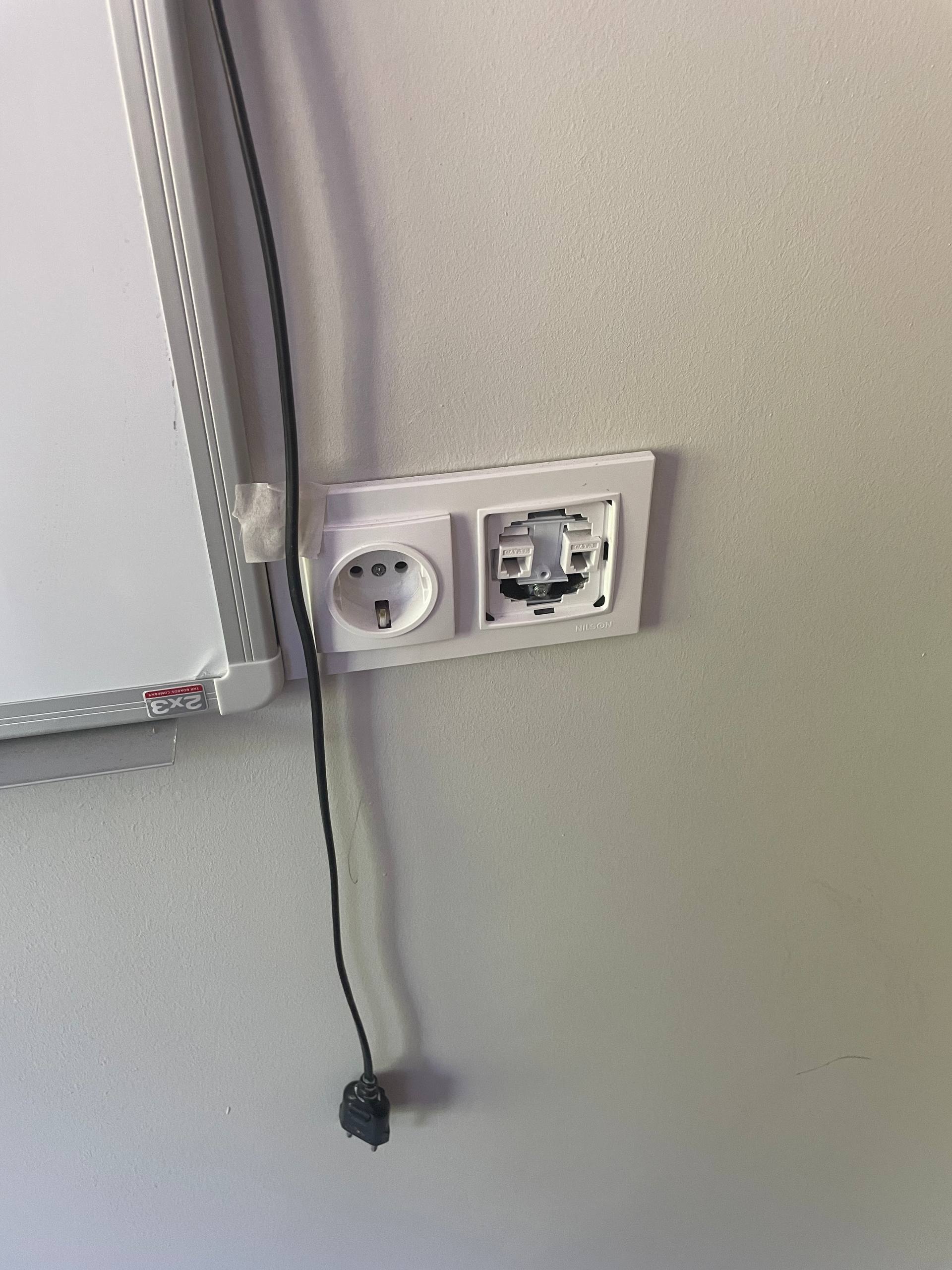
I decided to connect to the router using the socket wall. Inside, I decided to initiate a security check: what ports are open, network topology, target identification, categorization of devices, security issues and recommendations.
Judging from the scan, there were two VLANs open: one for management (ether1 - ether6) and the other for classrooms (ether1 - ether10).
This is fine by design, but it could be improved by dividing these VLANs for the classrooms for each floor.
At the same time, ports are filtered and ICMP is blocked, which is a bit bizarre. ICMP is usually the base for neighbor discovery for a IPv6 address, which doesn't exist for computers? Strange. Blocking pings is a sword, you block for port scans but it hinders troubleshooting. Why would a school require this approach in security?
My mental model
Computers and networks are not some impenetrable castles. You could put 999 soldiers in the towers, but a cannon would still break it.
For me, this applies for computers as well. The biggest factor in resolving security concerns is when you have the security engineer in place with the tools available. Disabling ICMP or restricting the toolsets by configuring a router or a computer into a void is not the best solution.
You could disable 22 port or close all ports, but there will still be external factors: physical or brute-forcing that would break it all.
Writing the report
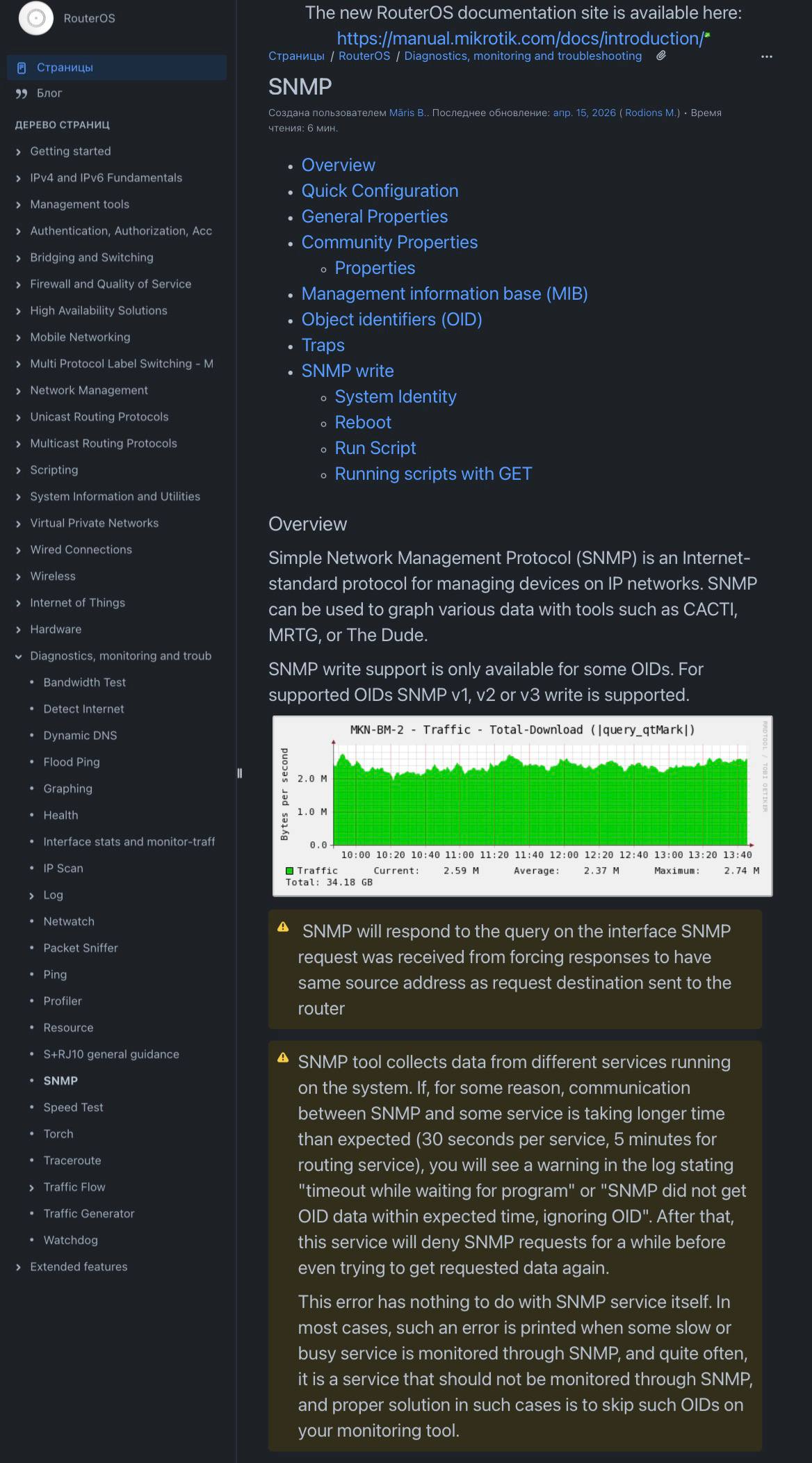
The router was a Mikrotik that had it's default password on after a guess and an SNMP walk was initiated to create a blueprint of the network topology.
Deduced from this analysis, in plain terms:
SNMP is a feature that lets devices on the network report info about themselves, like a status check-in. It's supposed to be protected by a password (called a community string) but the one in use was just "mikrotik," the name of the router's manufacturer. That's one of the first things anyone would try.
Because of this, I could read the router's entire internal map without needing any login credentials at all. This included:
- A full list of every network interface on the router (31 total)
- The IP addresses assigned to all three parts of the school's network (regular, management and internet-facing)
- A list of over 60 devices currently connected to the classroom network, each with its device address
- The addresses of the school's internet provider, showing how the school connects to the outside world
- Traffic statistics and how long the router had been running
None of this required breaking in. It was handed over freely to anyone who asked because the password protecting it was just the brand name.
In short, the lock protecting the network's blueprint used the manufacturer's own name as the key. Anyone on the school's network, a student, a guest, anyone with a laptop, could have pulled this same info.
The good news: the ports used to actually log into and control the router (SSH, WebFig, Winbox etc.) were properly filtered and not reachable and the network was already split into separate segments, both signs of decent underlying network hygiene. The SNMP issue was a gap in an otherwise reasonably built setup, not a sign of a network built with no thought at all.
Reporting it
I reported this to the principal and we had a meeting with the IT from the ISP that the school is contracted for some measures like: disable SNMP, enable ICMP back, replace the SNMP community string with a randomly generated value and restrict access by source IP address at the firewall level.
One of the ways I structured this report was by following templates similar to those taught at TalTech in the "Oral and Written Communication Skills" MLI0003 course. An excellent course, because it teaches you how to take an IT mindset and turn it into something any person can understand. It covered correct formatting (ISO standards and similar), the language expected throughout a technical document, correct verb tense (past, consistently), and keeping things short while still information-dense. Most importantly, as Kärt Rummel put it, "try not to waste anyone's time."
This puts in motion the work for the next part of the IT infrastructure: management never being exposed to WAN and default-deny everything.
Comments (0)
no comments yet.